E S I M S S
Search Your Query

All Cart


Notice: Function the_widget was called incorrectly. Widgets need to be registered using register_widget(), before they can be displayed. Please see Debugging in WordPress for more information. (This message was added in version 4.9.0.) in /home/esimss/web/esimss.com/public_html/wp-includes/functions.php on line 6131

Check if Your Phone Supports eSIM

ESIMSS COMPATIBILITY GUIDE

Most devices from 2018+ support eSIM — but some regions & carriers may differ

eSIM availability can depend on the exact model number, region (US/EU/JP), and whether the phone is carrier-locked. Follow the quick checks below to confirm before buying.

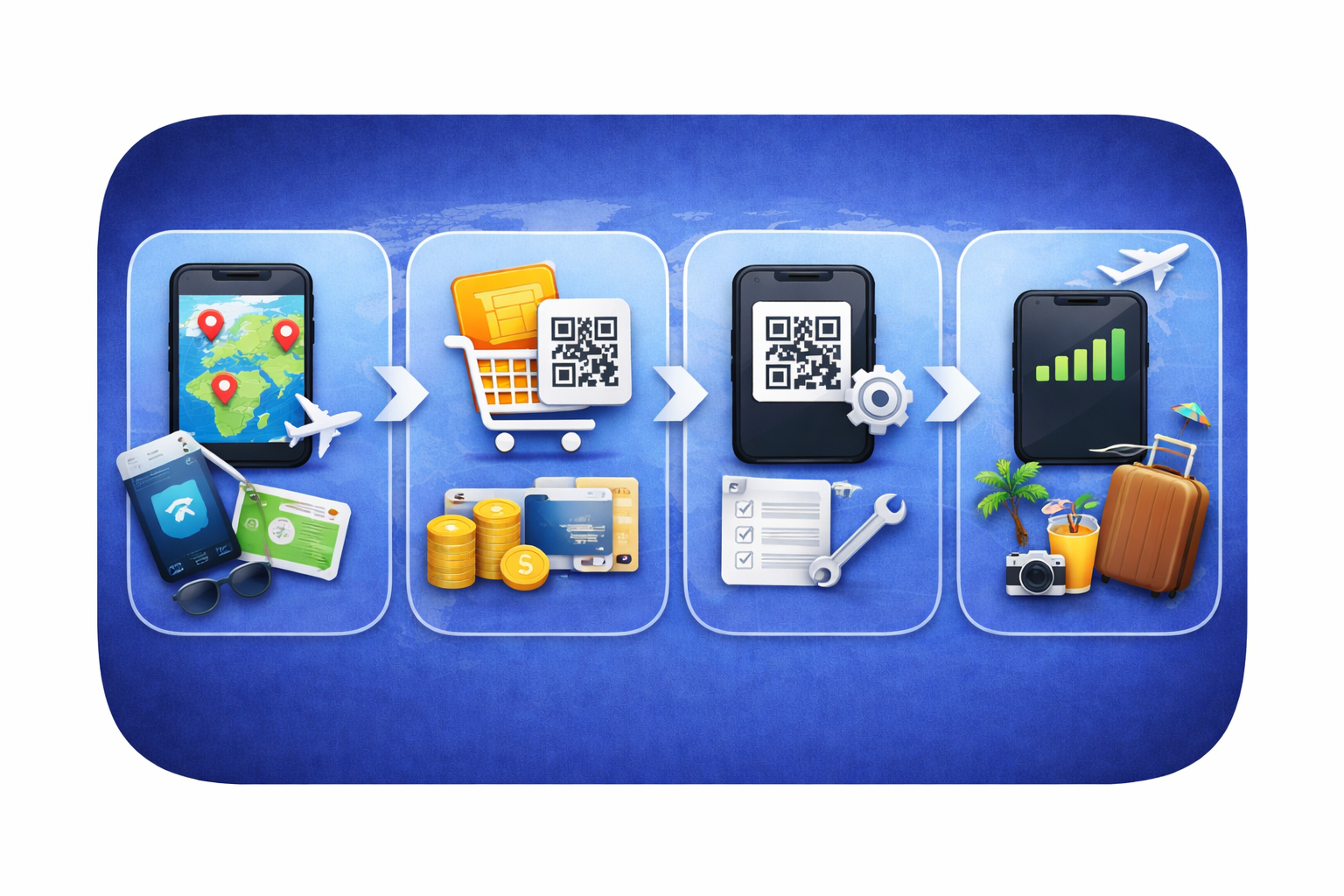
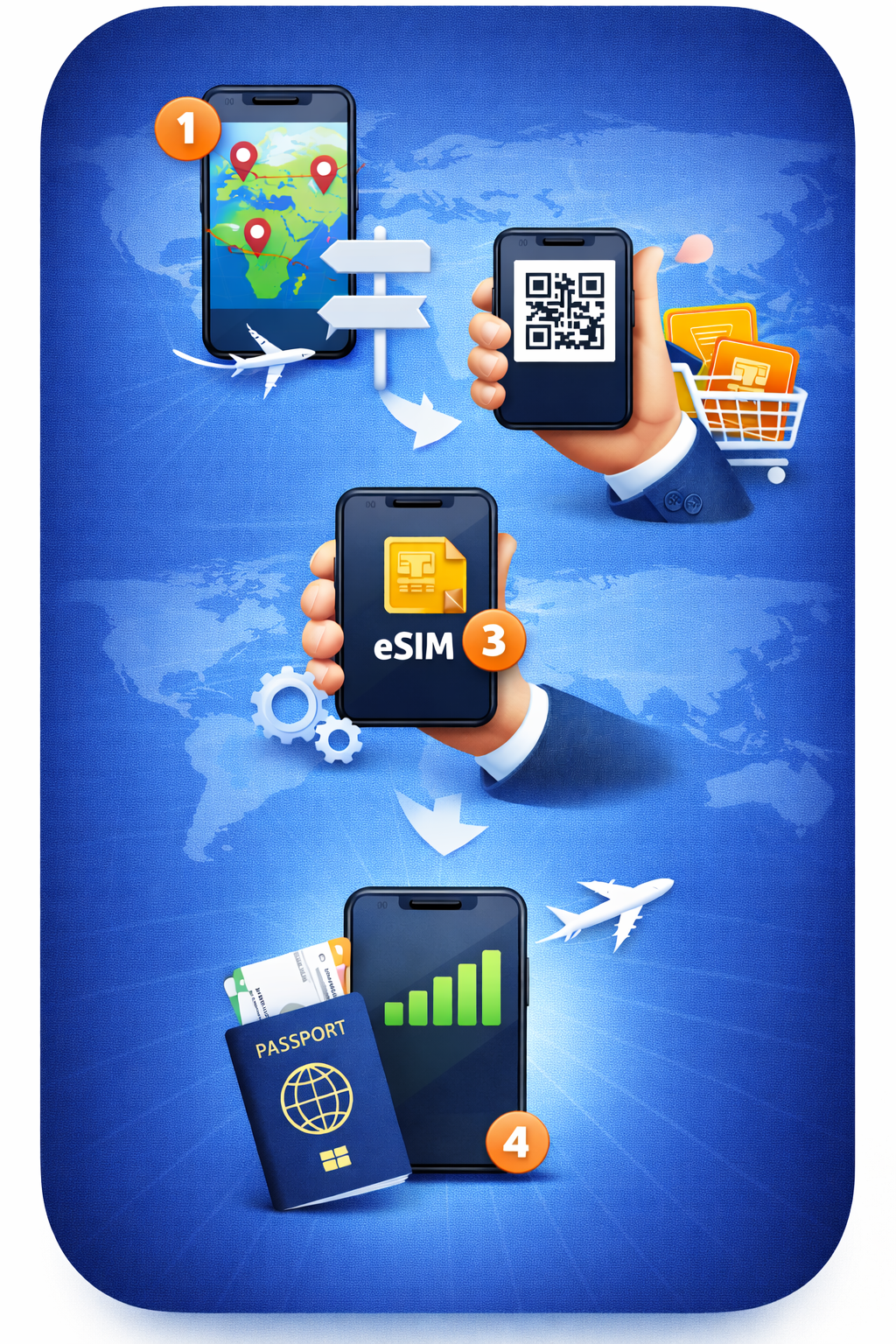
How activation works:

  • Choose your destination plan
  • Checkout and receive QR / details
  • Install eSIM (QR / manual)
  • Activate data when you arrive
Images
Images
DEVICE COMPATIBILITY

eSIM Compatible Devices

Check if your device supports eSIM before purchasing a plan from esimss.com. Compatibility may vary by region, carrier, and exact model number.

No physical SIM needed
Instant QR activation
Works worldwide
Install before travel
Fastest Quick Check

Dial *#06# — if you see EID, your device is eSIM compatible.

Install tip

Install eSIM on stable Wi-Fi. You can install at home and activate data later when you arrive.

SUPPORTED DEVICE CATEGORIES

Quick checks & setup steps for every device

Use the universal quick check first. Then follow the device-specific steps below. If your exact model isn’t listed, search by model number or check for EID.

Quick check (any device)
Works for iPhone, Android, tablets & laptops
Steps
  1. Open Settings
  2. Search for eSIM or SIM Manager
  3. Look for Add eSIM / Add mobile plan
What you need
  • eSIM-compatible device
  • Unlocked phone (recommended)
  • Stable Wi-Fi for installation
iPhone
Settings → Cellular / Mobile Data
  1. Settings → Cellular / Mobile Data
  2. Tap Add eSIM / Add Cellular Plan
  3. Scan QR or enter details manually

Tip: Some region-specific models may differ (carrier/region restrictions).

Android
Connections / Network & Internet
  1. Settings → Connections (or Network & Internet)
  2. Open SIM Manager / SIMs
  3. Choose Add eSIM / Download a SIM

If you don’t see the option: update OS, confirm model region, or check *#06# for EID.

iPad (Cellular)
Settings → Mobile Data
  1. Settings → Mobile Data
  2. Tap Add a New Plan
  3. Scan QR / enter details

Note: Must be a Wi-Fi + Cellular model.

Smartwatches (LTE)
Carrier support often required
  • Confirm it’s an LTE/Cellular edition
  • Open Watch app → Cellular / Mobile
  • Look for Add mobile plan

Watches may not support travel eSIM in every country/provider scenario.

Windows Laptops / Tablets
Settings → Network & Internet
  1. Settings → Network & Internet
  2. Open Cellular
  3. Manage eSIM profiles (if available)

Look for WWAN/LTE/eSIM in device specs (often business models).

FULL DEVICE LIST

Search your model

This list is intentionally broad. eSIM availability can still vary by carrier and region. When in doubt: check for EID (*#06#) or contact support.

iPhone models (common eSIM-capable)
  • iPhone XR
  • iPhone XS
  • iPhone XS Max
  • iPhone 11
  • iPhone 11 Pro
  • iPhone 11 Pro Max
  • iPhone SE (2nd gen)
  • iPhone 12 mini
  • iPhone 12
  • iPhone 12 Pro
  • iPhone 12 Pro Max
  • iPhone 13 mini
  • iPhone 13
  • iPhone 13 Pro
  • iPhone 13 Pro Max
  • iPhone SE (3rd gen)
  • iPhone 14
  • iPhone 14 Plus
  • iPhone 14 Pro
  • iPhone 14 Pro Max
  • iPhone 15 / Plus / Pro / Pro Max
  • iPhone 16 / Plus / Pro / Pro Max

Some region-specific iPhone models may differ. Always verify in Settings or via EID.

iPad & Apple Watch (Cellular)
iPad (Wi-Fi + Cellular models)
  • iPad Pro (2018+ Cellular models)
  • iPad Air (2019+ Cellular models)
  • iPad mini (2019+ Cellular models)
  • iPad (2019+ Cellular models)
Apple Watch (GPS + Cellular)
  • Apple Watch Series 3 (Cellular) and newer
  • Apple Watch SE (Cellular)
  • Apple Watch Ultra / Ultra 2

Watches often require carrier activation; travel eSIM behavior varies by carrier/country.

Galaxy S / Note / Z (most common)
  • Galaxy S20 / S20+ / S20 Ultra
  • Galaxy S21 / S21+ / S21 Ultra
  • Galaxy S21 FE (selected regions)
  • Galaxy S22 / S22+ / S22 Ultra
  • Galaxy S23 / S23+ / S23 Ultra
  • Galaxy S23 FE (selected regions)
  • Galaxy S24 / S24+ / S24 Ultra
  • Galaxy Note 20 / Note 20 Ultra (selected)
  • Galaxy Z Flip / Flip 3 / Flip 4 / Flip 5 / Flip 6
  • Galaxy Z Fold 2 / Fold 3 / Fold 4 / Fold 5 / Fold 6
  • Galaxy Watch (LTE models)
  • Galaxy Book / LTE business models (selected)

Many A-series devices support eSIM only in selected regions/carriers.

How to check on Samsung
  1. Settings → Connections
  2. SIM manager → look for Add eSIM
  3. Or search Settings for “eSIM”
  4. Optional: dial *#06# → check for EID

If “Add eSIM” is missing, the device may be carrier-locked or the region firmware may not enable eSIM.

Google Pixel (common eSIM-capable)
  • Pixel 3 / 3 XL
  • Pixel 3a / 3a XL
  • Pixel 4 / 4 XL
  • Pixel 4a
  • Pixel 5 / 5a
  • Pixel 6 / 6 Pro / 6a
  • Pixel 7 / 7 Pro / 7a
  • Pixel 8 / 8 Pro / 8a
  • Pixel 9 / 9 Pro (if applicable)
  • Pixel Fold (selected regions)

Availability may vary by country/carrier. Always verify in Settings.

How to check on Pixel
  1. Settings → Network & Internet
  2. SIMs+ / Add eSIM
  3. Choose Download a SIM / scan QR

If it’s not there, your variant may be restricted by region or carrier.

Other Android brands (selected models)
  • Motorola Razr (2019) / Razr 5G
  • Razr 2022 / Razr 40 / Razr 40 Ultra
  • Razr+ (2023/2024 – selected)
  • Motorola Edge series (selected models)
  • Moto G series (selected new models, region dependent)
  • Huawei P40 / P40 Pro (selected)
  • Huawei Mate 40 Pro (selected)
  • Other Huawei models (rare; confirm in Settings)
  • HONOR Magic4 Pro
  • HONOR Magic5 Pro
  • HONOR Magic6 Pro
  • HONOR Magic V2 / V3 (selected)
  • OnePlus 11 (selected regions)
  • OnePlus 12 / 12R (selected regions)
  • OnePlus Open (selected regions)
  • Xiaomi 13 / 13 Pro / 13T / 13T Pro (selected)
  • Xiaomi 14 / 14 Pro / 14 Ultra (selected)
  • Other Xiaomi flagship models (check EID)
  • OPPO Find X3 Pro / Find X5 Pro (selected)
  • OPPO Find N2 Flip / Find N3 (selected)
  • Other OPPO flagships (check Settings)
  • Xperia 1 IV / 1 V (selected)
  • Xperia 5 IV / 5 V (selected)
  • Xperia 10 V (selected)

“Selected / region dependent” = availability differs by model number, firmware and carrier policy.

Universal Android check
Fast method
  • Open Settings → search for eSIM / SIM Manager
  • Look for Add eSIM / Add mobile plan
  • Dial *#06# → if EID is present, eSIM is supported
If you don’t see eSIM
  • Update OS and carrier services
  • Confirm the device is unlocked
  • Check the exact model variant (US/EU/JP)
Windows devices with eSIM (common examples)
  • Microsoft Surface Pro X
  • Surface Pro 9 5G (selected)
  • Surface Go LTE (selected)
  • Lenovo ThinkPad (WWAN/LTE variants – selected)
  • HP Elite/Dragonfly (LTE variants – selected)
  • Dell Latitude (LTE/WWAN variants – selected)

Business devices with WWAN/LTE options are the most likely to support eSIM.

How to check on Windows 10/11
  1. Open Settings
  2. Network & InternetCellular
  3. Look for Manage eSIM profiles / Add a profile

If you don’t see Cellular: the device likely has no WWAN modem, or drivers/firmware disable it.

READY TO GO?

Pick your destination and activate in minutes

Choose a plan, receive your QR code, install on Wi-Fi, and enable data when you arrive.

FAQ

Find what you want to know

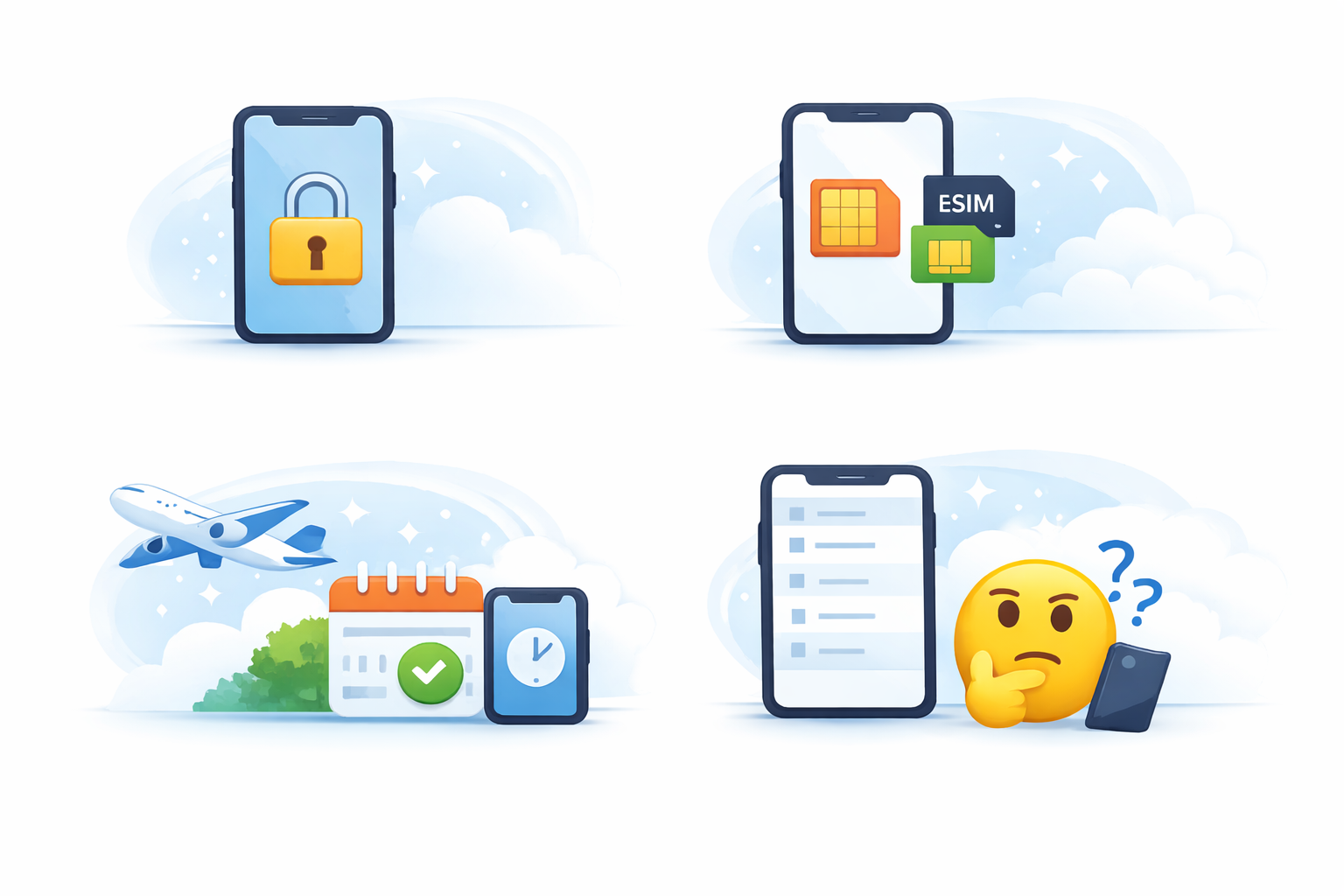
Unlocked devices are recommended. Some carrier-locked phones block adding eSIM profiles or restrict which providers can be used.

Yes, most devices support Dual SIM (eSIM + physical SIM). Exact behavior depends on your device and carrier settings.

Yes. Install on Wi-Fi before your trip, then enable the eSIM plan when you’re ready to use data.

Most commonly: carrier lock, region-specific firmware limitations, or an OS version that needs updating. Check EID via *#06# or contact support with your exact model number.

images
Images Images